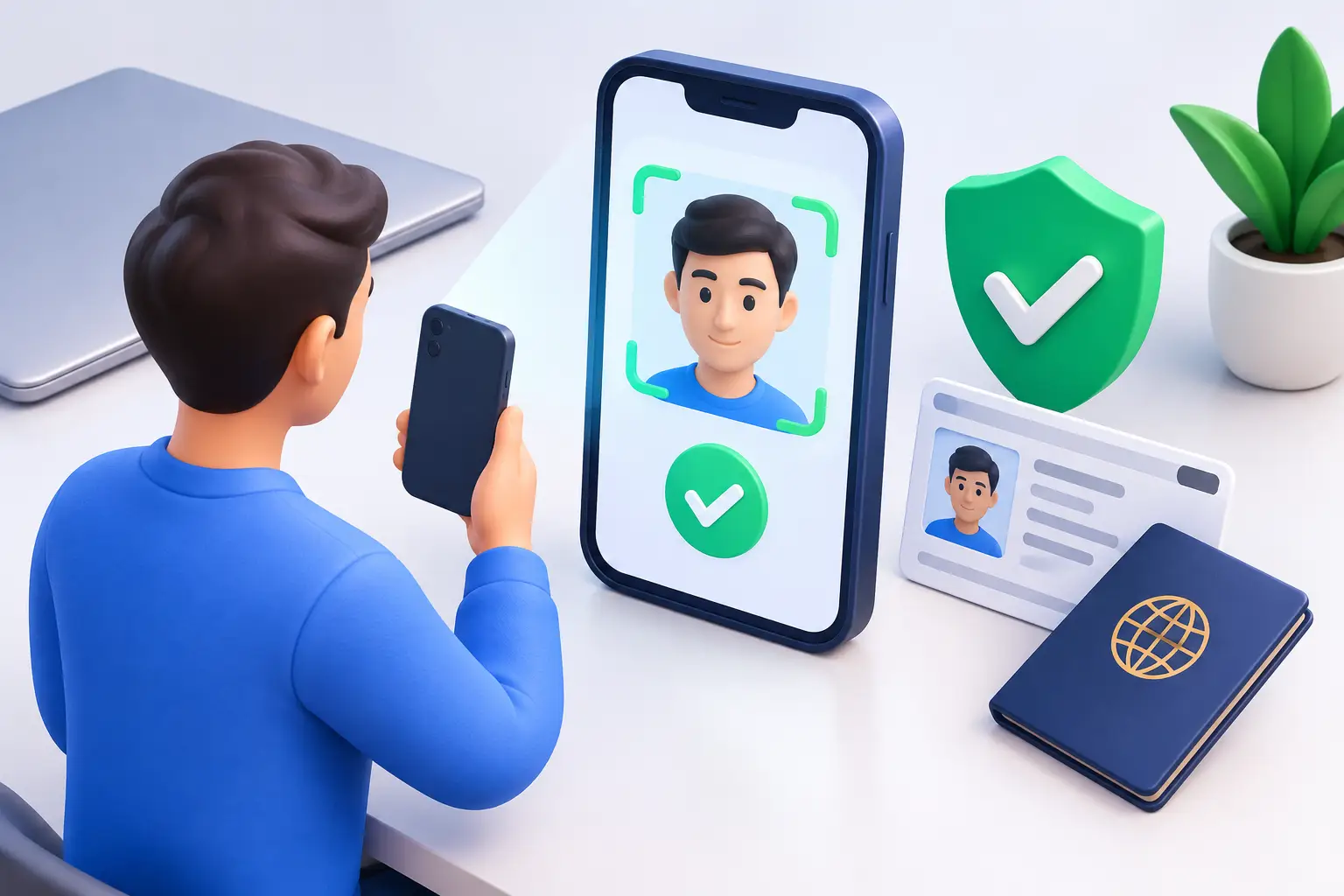
A redemption should feel like the reward for a great session, not a confusing paperwork project. Knowing how to complete identity verification before you need it can help keep your account moving, protect your virtual currency, and make the redemption process easier when you are ready to use it.
Identity verification is a standard account-security step for sweepstakes entertainment platforms. It helps confirm that the person using an account is real, eligible, and connected to the details on file. That protects players, supports fair play, and helps prevent duplicate accounts, payment misuse, and unauthorized redemption requests.
What identity verification usually checks
Verification is not about judging how you play or how often you enjoy slots, fish games, Plinko, or Originals. It is an account review that generally checks basic details such as your name, date of birth, address, and identity. Depending on the account activity and the verification request, you may also be asked to confirm a phone number, payment method, or other account information.
The exact request can vary. A player making a redemption request may need a more complete review than someone who has just created an account. If the verification screen asks for a specific item, follow that request instead of sending extra documents that were not requested. More information is not always more helpful.
How to complete identity verification step by step
Start by signing in to the account you use to play. Check the account, wallet, or redemption area for a verification prompt or status message. If there is a task waiting, open it and read each instruction before uploading anything.
First, confirm that your profile details are accurate. Your legal name, date of birth, and residential address should match the information on the documents you plan to submit. A nickname, old address, missing apartment number, or simple typo can slow down a review because the system cannot confidently match the records.
Next, choose the requested document. In many cases, a current government-issued photo ID, such as a driver's license, state ID, or passport, is used to verify identity. If proof of address is requested separately, use a recent document that clearly shows your full name and residential address. The request on your account should tell you what document types are accepted.
Take clear, original photos or scans. Place the document on a flat surface with bright, even light. Make sure all four corners are visible, every line of text is readable, and there is no glare hiding key information. Do not use a screenshot of an image, a heavily edited file, or a photo that crops out an edge of the document.
If a selfie or live photo check is requested, use a well-lit space and follow the on-screen position instructions. Remove sunglasses, hats, masks, and anything else that hides your face unless the verification flow says otherwise. The goal is a simple match between you and your photo ID, so a natural, current photo works best.
Finally, submit your documents through the secure verification prompt and wait for the status to update. Avoid creating a second account or repeatedly submitting the same files while a review is in progress. One accurate submission is usually much more useful than several rushed attempts.
Get your documents ready before you upload
The fastest reviews usually begin with documents that are current, readable, and consistent with the account. Before you send anything, take a minute to check the basics:
- Your ID is valid and has not expired.
- Your full name matches the name in your account profile.
- Your date of birth and address are entered correctly.
- The image is in focus, fully visible, and free of glare or shadows.
- Any proof-of-address document is recent and shows the complete address.
Small details matter. For example, an ID may show “Robert,” while an account profile says “Rob.” That may be easy for a person to understand, but it can still create a mismatch during an automated check. Update your account only through the proper account tools, and reach out to Support if you need help correcting information.
Common reasons verification takes longer
Most delays come down to image quality or mismatched details. A dark photo, a blurry license number, a cropped document, or an expired ID may require a new submission. Documents photographed through a plastic sleeve can also create reflections that make them difficult to read.
Address differences are another common issue. If you recently moved, your profile may show your new address while your available documents still show the old one. In that situation, use the document type requested in the verification flow and make sure it supports the current information on your account. If the instructions are unclear, ask Support before uploading a random substitute.
Duplicate-account reviews can also affect timing. Sweepstakes platforms generally limit participation to eligible players using a single account. Creating multiple profiles, sharing an account, or using someone else's payment details can trigger additional checks. Keep your account personal, secure, and up to date.
Verification can also take longer when a review requires manual attention. That does not automatically mean there is a problem. It may simply mean the submitted information needs a closer look. Check your account messages and email for a request for a clearer image or additional confirmation, then respond with exactly what is requested.
Protect your information while you verify
Identity documents are sensitive, so only submit them through the official, secure verification process inside your account. Do not send photos of your ID in public posts, direct messages, or replies to an unfamiliar email. A legitimate request should direct you to an official account area or recognized support process.
Keep your account protected, too. Use a unique password, do not share login details, and sign out when using a shared device. If you notice an account detail you did not change, a transaction you do not recognize, or a verification request you did not initiate, contact Support right away.
It is also wise to keep payment information consistent. If a payment-method check is part of your review, use only payment methods you are authorized to use. Using another person's card or wallet can create account-security concerns and may delay both checkout and redemption activity.
What happens after you submit verification
After you submit, the review team or verification provider checks whether the documents meet the requested requirements and match your account. Your status may show as pending, approved, or needing more information. If more information is needed, do not guess at the next step. Read the message carefully and submit the requested update.
Approval does not override platform rules, eligibility requirements, account limits, or redemption conditions. It simply confirms the identity details needed for the applicable account process. Keep an eye on your Transaction History and account messages so you can follow any next steps with confidence.
At Red Tails VIP, the best approach is the same one you bring to a smart play session: keep it simple, stay organized, and use the right tools at the right time. A clear ID photo and accurate account details can keep the focus where it belongs - kicking back, enjoying the games, and being ready when your redemption moment arrives.