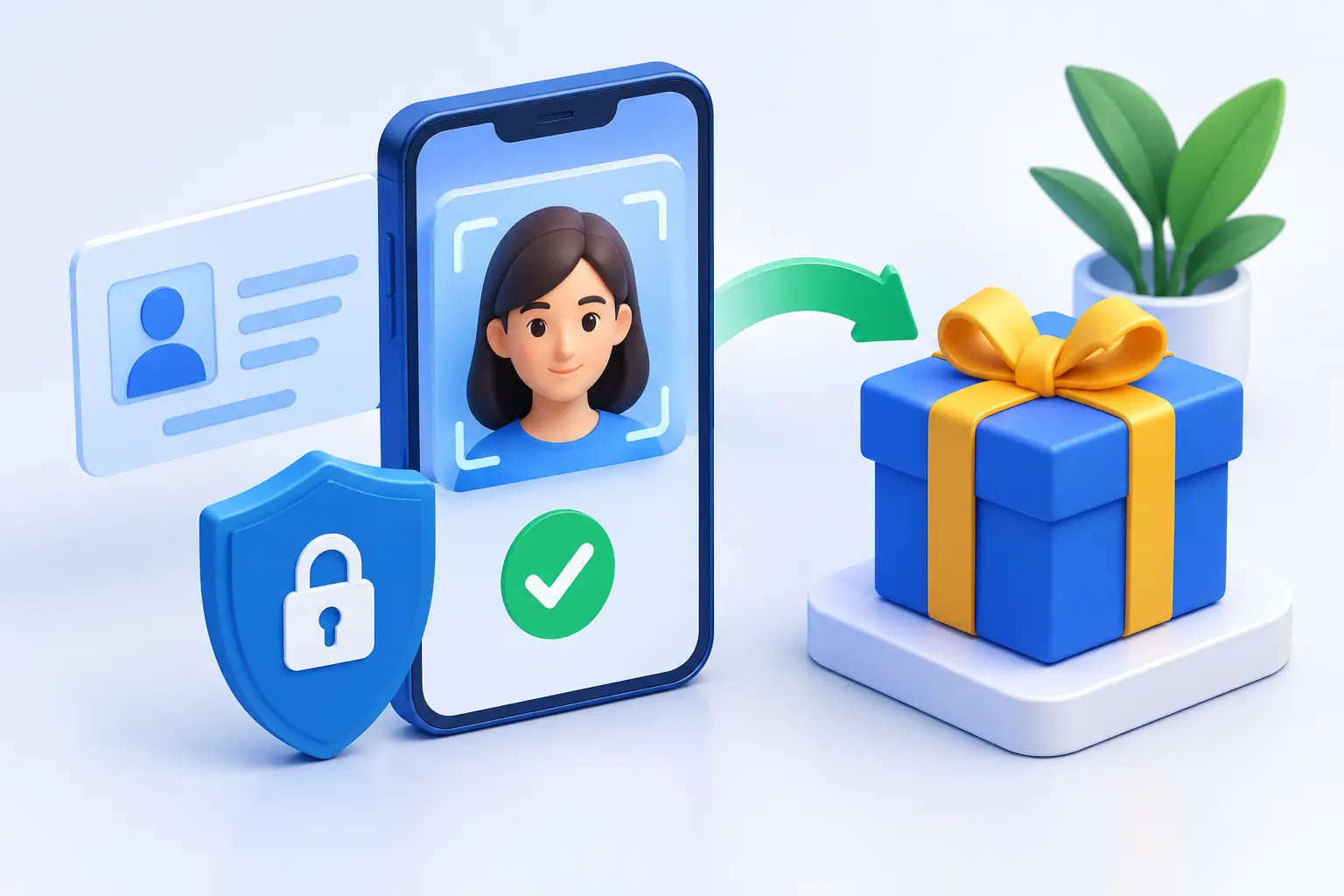
A redemption should feel like the reward for time well spent, not a surprise stop sign. This identity verification guide explains why an account review may be requested, what information is commonly needed, and how to keep your redemption process moving with less back-and-forth.
At Red Tails VIP, verification is part of maintaining a fair, secure social gaming experience for eligible US players. It helps protect your account, supports sweepstakes requirements, and gives the team a way to review redemption requests responsibly. Think of it as a quick account checkpoint before you collect what you have earned.
Why identity verification may be required
Identity verification is used to confirm that the person requesting a redemption is the person who owns the account. It can also help prevent duplicate accounts, payment fraud, account takeovers, and activity that does not meet platform rules.
That matters for players, too. A secure review process makes it harder for someone else to access your wallet, change account details, or attempt a redemption using your information. It also helps keep reward campaigns and SC redemption opportunities fair for the players who follow the rules.
Verification is not necessarily triggered by one specific action. A request may appear when you submit a redemption, update key account details, reach certain account activity thresholds, or when a routine security review is needed. The exact requirements can depend on your account history, the information already on file, and applicable rules.
What to prepare before you redeem SC
The easiest way to avoid delays is to make sure the details in your account are accurate before beginning a redemption request. Your name, date of birth, residential address, and contact information should match the information you provide during verification.
You may be asked to provide a valid government-issued photo ID, such as a driver's license, state ID, or passport. Depending on the review, you may also need documentation that confirms your current residential address. The requested documents should be clear, current, and fully readable.
Use your legal name rather than a nickname or a shortened version of your name. A small mismatch can lead to a follow-up request, especially if your account profile says one thing and your submitted document says another. If you have recently moved or changed your legal name, update your account information first and be ready to explain any difference if support asks.
Your account should also be yours alone. Do not share logins, use another person's payment details without authorization, or create multiple accounts to access offers. Those choices can complicate a review and may affect eligibility under the platform's rules.
How the verification process usually works
1. Submit your redemption request
Start from the Redeem SC area in your account and follow the on-screen steps. If verification is needed, you may see a prompt explaining what to provide. Read the request closely before uploading anything. Sending the right information the first time is usually faster than submitting several partial updates.
2. Upload clear, complete documents
Take photos in good lighting and place the document on a flat surface. All four corners should be visible when requested, and text, photos, dates, and identifying details should be easy to read. Avoid glare, dark images, cropped edges, screenshots of physical documents, or heavily edited files.
If a proof-of-address document is requested, make sure it shows your name, address, issuer, and date where applicable. A document that is blurry or too old may not be accepted. The specific acceptable document types and date requirements can vary, so follow the instructions provided in your verification request.
3. Wait for the review
Once submitted, your materials may be reviewed for accuracy and account security. Timing can vary based on request volume, the clarity of your documents, and whether additional information is needed. Checking your email and account notifications is the best way to catch any follow-up quickly.
A request for more information does not automatically mean something is wrong. It may simply mean a document could not be read, an address needs confirmation, or an account detail does not match. Responding with clear, complete information helps the review team resolve the issue faster.
4. Keep your account secure while you wait
Verification is a good moment to give your account a quick security check. Use a unique password, keep access to your email current, and do not send documents through unofficial channels. If something about a verification message looks suspicious, use the platform's Support area rather than replying to an unfamiliar request.
Common issues that can slow down verification
Most verification delays come down to a few fixable details. The name on an ID may not match the account profile, an image may be too blurry to read, or the submitted document may not show all required information. Sometimes an outdated address or a missing apartment number creates a mismatch.
Another common issue is using an account that was registered with incorrect personal details. If you spot an error, do not create a second account to start over. That can create duplicate-account concerns. Contact Support and explain what needs to be corrected so the right account can be reviewed.
Payment-related checks can also require extra attention. If the payment method name differs from the account holder's name, the team may need to understand the relationship or confirm authorization. The same principle applies to redemption information: keep it accurate, current, and connected to you.
A smarter way to keep redemption-ready
You do not have to wait until the moment you want to redeem SC to get organized. Review your profile after major life changes, including a move, name change, or new email address. Keep access to the inbox connected to your account, since that is often where verification updates arrive.
It also helps to treat your Transaction History and wallet as regular account tools, not just something to check after a purchase or a big session. Familiarity with your account activity makes it easier to notice anything unusual early and provide context if a review team has a question.
Responsible play belongs in this picture as well. Set a pace that works for your entertainment budget, take breaks when the fun starts to fade, and use available Responsible Gaming tools when needed. Verification protects the account side of your experience; healthy play protects the player side.
Identity verification guide: quick best practices
Before submitting documents, confirm that your account uses your legal name and current home address. Upload only the documents specifically requested, make sure every image is clear and uncropped, and watch for messages asking for additional details. Most importantly, use one account and keep your login and personal information private.
A little preparation can turn verification from an interruption into a straightforward part of the redemption path. Keep your account details clean, follow the request exactly, and you can spend less time sorting out paperwork and more time kicking back with the games and rewards you enjoy.